
Play a free slide puzzle game online using numbers or your own photos. Rearrange tiles by sliding them into the empty space to complete the correct order or reveal the full image. Choose from 3×3, 4×4, or 5×5 grid sizes for easy, medium, and hard challenges. Upload your own picture to create a custom photo puzzle and enjoy a fun way to improve focus, logic, and problem-solving skills.
Play Slide Puzzle Game
Opens in a new tab for easier play and photo upload on mobile devices
Why You’ll Love It
- Play number slide puzzles instantly online
- Upload your own image to create custom photo puzzles
- Choose between 3×3, 4×4, and 5×5 grid sizes
- Great for brain training, logic, and focus improvement
Explore More Puzzle Games
Looking for Printable Puzzles?
If you enjoy slide puzzles, try our printable puzzle collections. Download and print engaging brain games for offline play, classroom activities, or travel fun.
Try More Free Online Puzzle Games & Tools
- Sudoku Puzzles
- Word Search Puzzles
- Word Scramble Games
- Maze Puzzles
- Number Search Puzzles
- Tic Tac Toe Grids
How It Works
The puzzle consists of numbered tiles or an image split into pieces with one empty space. Slide tiles into the empty space until the correct order or full image is restored.
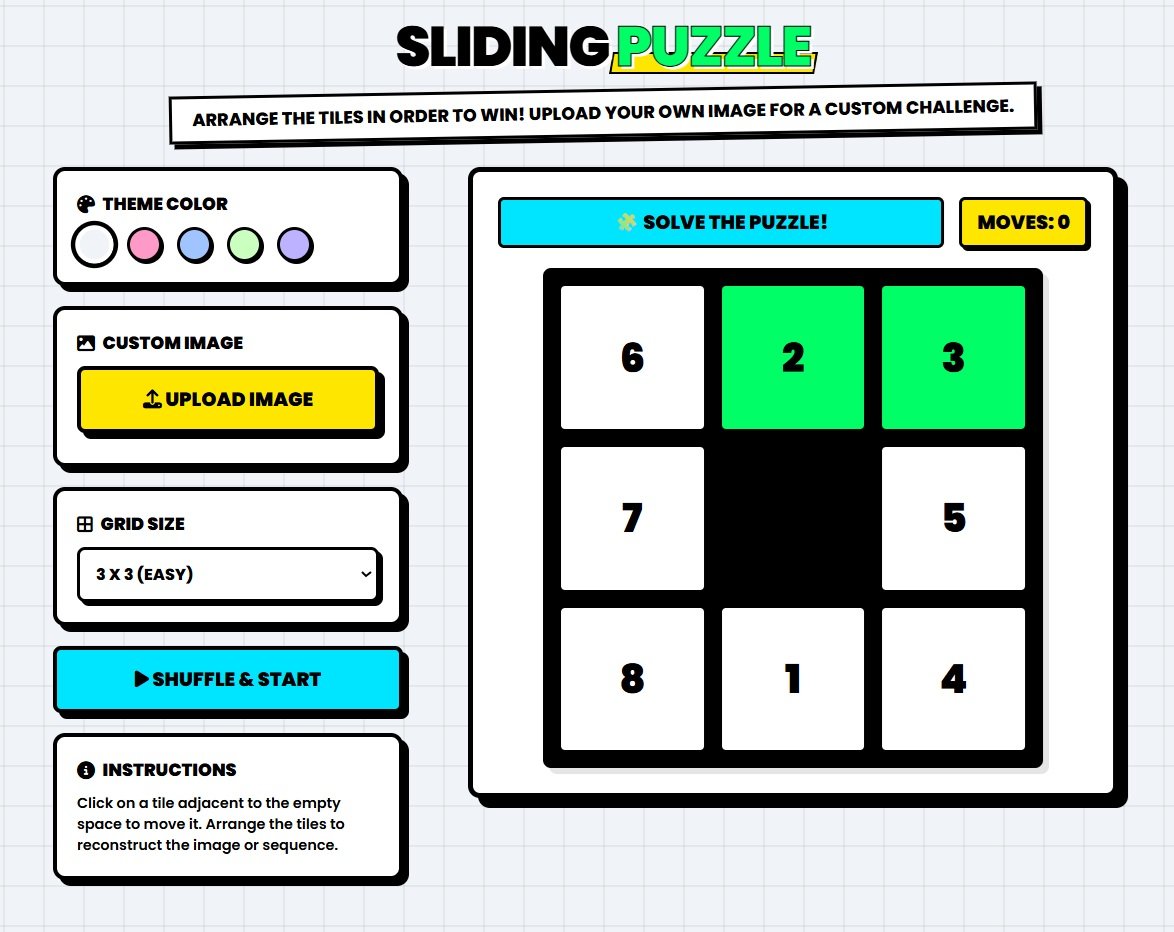
Example of a Number Slide Puzzle (3×3, 4×4, 5×5)
How to Play
Click or tap a tile next to the empty space to move it. Continue sliding tiles step-by-step until the puzzle is solved. Plan your moves ahead for better results.
Moves Counter
Track your moves as you play and challenge yourself to solve the puzzle in the fewest moves possible.
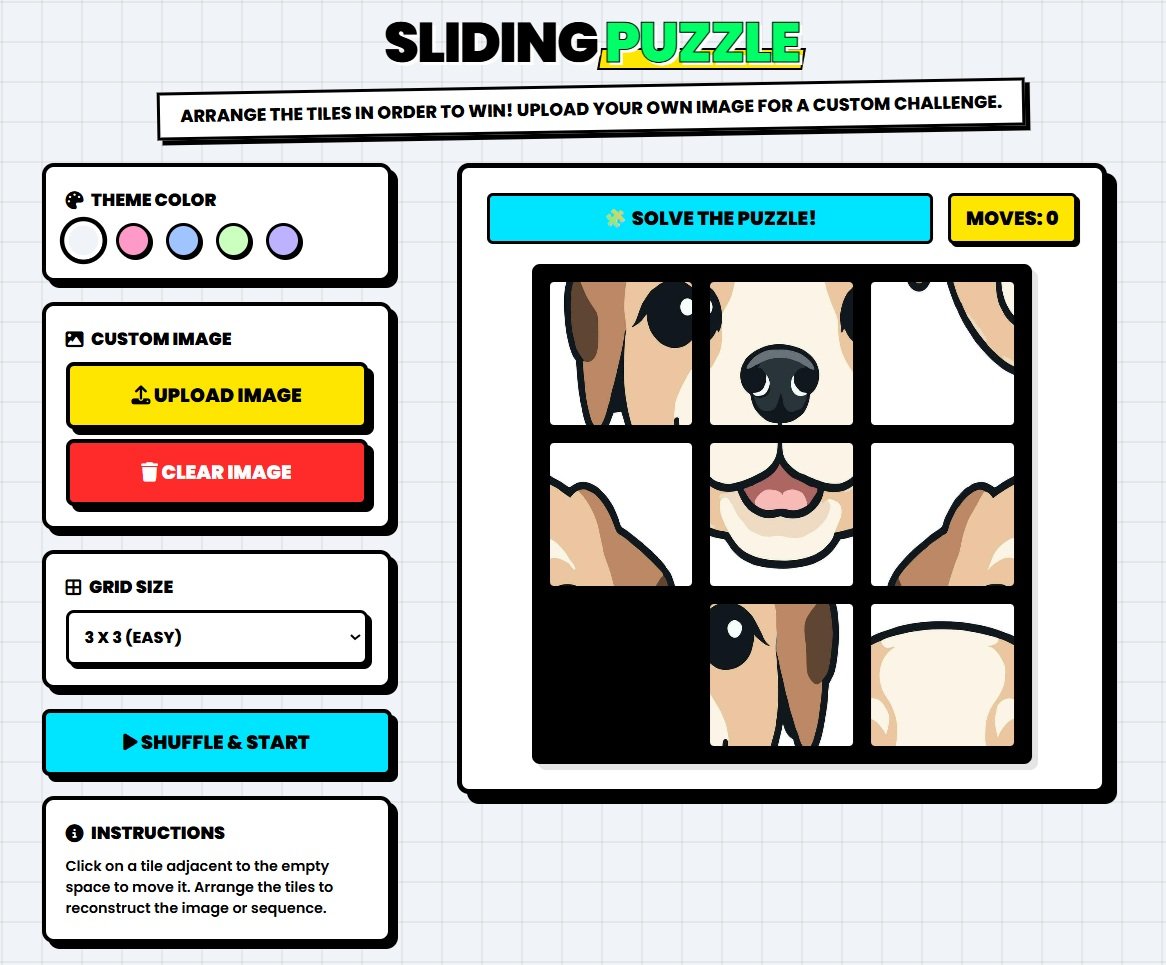
Game Features
- 3×3, 4×4, and 5×5 grid sizes
- Instant shuffle and restart
- Upload your own images
- Smooth and responsive gameplay
Tips
Solve one section at a time and use the empty space strategically. Avoid random moves and think a few steps ahead to complete the puzzle faster.
Instructions: This free printable is available in portable document format PDF. You will need Adobe Acrobat Reader to view and print when you download. Get Adobe Acrobat Reader here. The answer key can be found on page #2 of the PDF.
Printing Instructions:
1. Click the Menu symbol >> located at the top right corner of the PDF Viewer.
2. Select "Print" to open a print window, adjust the print settings and print.
Download Instructions:
1. Use the "Download" button to download to your device default location.
2. Or you can click the menu symbol >> of the PDF Viewer and select Download.
Full Screen Viewing Instructions:
1. Use the "View Full Screen" button to open the PDF document in a new tab. From this new window you can also Print or Download the document.